Registering Children in Turkish Schools 2026: The Full Steps and Documents
Registering Children in Turkish Schools 2026 – Complete Guide and Documents After obtaining residency and registering your address, registering children in sch…
Devamını oku© 2026 Dalil TurkeyTüm hakları saklıdırDeveloped by Rokkey
 Yazan admin
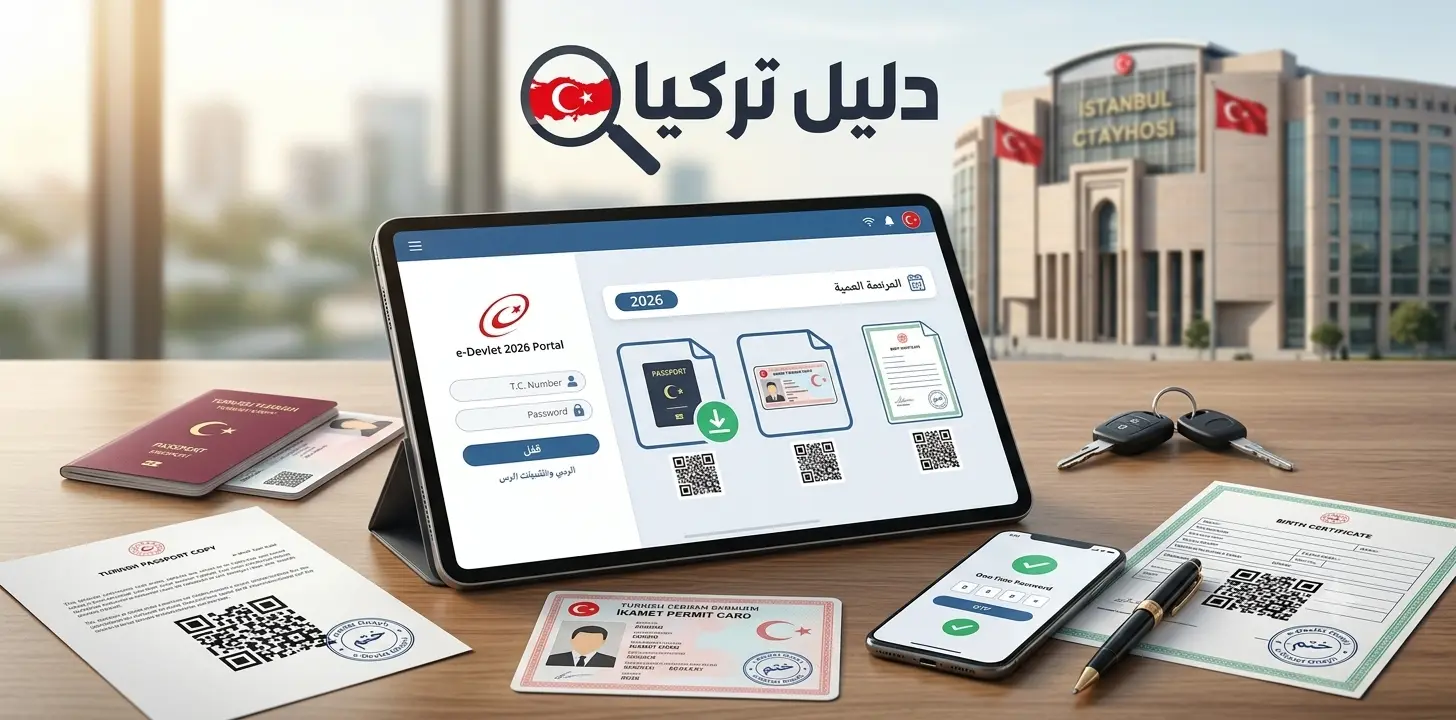
e-Devlet in Arabic 2026: Registration, Password, and Document Extraction e-Devlet, Turkey’s e-Government Gateway, is one of the country’s most important digita…
e-Devlet, Turkey’s e-Government Gateway, is one of the country’s most important digital public-service platforms. It allows citizens and eligible foreign nationals to access many official services without visiting government offices for every procedure. Depending on the user’s legal status and available services, it can be used to check information, download official documents, access migration-related services, review social-security information, address data, education records, taxes, vehicles, bills, and more.
For Syrians and other foreign nationals in Turkey, e-Devlet is especially useful for checking personal information, using available Directorate of Migration Management services, submitting certain digital applications, and obtaining documents that may carry a verification code. However, not every service is available to every user. Available services depend on your identity number, legal status, and the responsible public institution.
This guide explains how to use e-Devlet in 2026: getting a password, first-time login, password recovery, downloading official documents, using services relevant to foreign nationals, and protecting your account from fraud.
e-Devlet Kapısı is Turkey’s official e-Government Gateway. It brings together services from different public institutions in one place and enables secure login using an identity number and password or other approved electronic verification methods.
The official website is:
Never enter your password on a website that merely looks like e-Devlet or asks you to log in through an unknown link. Always check that the address begins with https://www.turkiye.gov.tr, or use the official application on your phone.
Foreign nationals who have a foreigner identity number issued by Turkish authorities may use e-Devlet services according to the services and conditions available to their status. The official e-Devlet information also states that foreigners with a foreigner identity number can obtain an e-Devlet password by presenting a valid accepted document.
For foreign nationals, the official information lists documents such as a valid residence-permit document, a valid temporary-protection document, a valid international-protection applicant/status-holder identity document, a valid stateless-person identity document, or a work permit together with a passport.
For Syrians under temporary protection, a valid temporary-protection identity card is generally the key document to take to PTT when requesting a password. Practical verification may vary by office and individual situation, so bring the original card rather than relying only on a photograph.
The most common way to get your first password is to visit a PTT branch or another authorized service point in person. The person opening the account normally needs to attend personally because the password is personal. Another person cannot collect it on your behalf except in limited legal situations, such as with an appropriate formal power of attorney.
Do not give the envelope or password to anyone else. Even if the person is a friend, translator, or broker, the password must remain with the account owner only.
When requesting an e-Devlet password, a foreign national generally needs a valid identity document issued or recognized by Turkish authorities. For people under temporary protection, a valid temporary-protection identity card is among the documents officially listed for password issuance.
It is sensible to take:
Do not rely only on a photocopy or phone image of your Kimlik card. The employee may request an additional document depending on system data, so visit PTT directly or contact the branch first if your case is unusual.
After receiving your temporary password, open the official website and select Giriş Yap, meaning “Log In.” You will see multiple login options, including the option to use an e-Devlet password.
Using a correct and verified phone number is very important because it may allow you to recover your password later without returning to PTT in some cases.
An e-Devlet password gives access to government and personal information. Do not use an easy password such as your birth date, phone number, child’s name, or 123456. Choose something other people cannot easily guess, and do not write it in a visible place or send it through WhatsApp.
Use a different password from those used for Facebook, email, and banking apps. If permitted by the system, include a mix of letters, numbers, and symbols. Avoid reusing the same password for all important accounts.
If you forget your e-Devlet password, do not buy a password from anyone or send them your details. Use the official Şifremi Unuttum, meaning “I Forgot My Password,” option on the login page.
Official recovery link:
If your phone number was previously registered and verified in your account, you may be able to create a new password online without visiting PTT. Other possible login or password-creation methods may include internet banking, electronic signature, or mobile signature, depending on the services you have.
If your phone number was not registered or verification cannot be completed, you may need to visit PTT in person to receive a new password. Take your original identity document with you.
To change your password while you can still access the account:
Change your password immediately if you suspect someone else knows it, if you used your account on a public device, or if you accidentally sent it to another person.
The main e-Devlet interface is Turkish, and some pages or information may appear in additional languages depending on the service. Do not assume that every service has a complete Arabic translation. You can use browser translation to understand general labels, but be especially careful when entering personal information or confirming an application.
If you do not understand Turkish, ask a trusted person to help you understand the screen, but never give them your password. You can enter your password yourself without allowing another person to see it.
Available services differ from one account to another. Directorate of Migration Management services are among the useful categories to search inside e-Devlet, including personal-information inquiries linked to temporary protection, international protection, or residence permits, as well as certain document or application-verification services.
Official Directorate of Migration Management page:
Migration Management Services on e-Devlet
Depending on your status, services may include:
If a particular service does not appear, this does not automatically mean that your account has an error. The service may not be available to your legal status, may require a verified phone number, or may require direct contact with the responsible authority.
Many e-Devlet services allow you to create and download an official PDF document. Such documents usually include an electronic verification code or barcode that receiving institutions can use to confirm authenticity.
Some services only allow viewing, not downloading. Other documents require additional procedures or appear only for certain categories of users. Always confirm the exact document name and the receiving institution’s acceptance requirements before relying on it.
The available document list varies by person, but may include records or inquiries related to addresses, insurance, education, taxes, vehicles, migration information, and services offered by other public institutions.
Before downloading any document, confirm three points:
Do not submit a document belonging to another person and do not alter its content. Incorrect data must be corrected by the responsible public institution, not by editing a PDF.
Most service names are shown in Turkish, so knowing a few basic words helps you search:
Search using the institution name or a simple Turkish keyword, then confirm that the service belongs to an official government institution before opening it.
Check your identity number, keyboard language, extra spaces, and any capitalization issues. Try another browser or the official app, and make sure your internet connection is stable. If the problem continues, use the official password-recovery page or contact authorized support.
If your account is linked to an old phone number you no longer control, online recovery may not work. Visit PTT with your original identity document to obtain a new password, then update your phone number in account settings after login.
Services and access conditions can change, or your information may need updating with the relevant institution. Search for the service again, review the official institution page, and do not rely on old saved links or outdated social-media posts.
Do not reply and do not send any code. This is a common fraud method. e-Devlet does not require you to send your password through WhatsApp, SMS, Facebook, or any other messaging platform.
e-Devlet is an important tool for Syrians and other foreign nationals in Turkey, but it should be used carefully and securely. Start by obtaining your password from PTT with your original identity document, activate the account yourself, add your phone number, and search for services inside the official portal.
Use e-Devlet for available inquiries, document downloads, and digital services, but remember that some migration, data-update, or residence procedures may still require an appointment or in-person visit to the responsible authority. Keep your password private and rely only on official government websites and applications.
Registering Children in Turkish Schools 2026 – Complete Guide and Documents After obtaining residency and registering your address, registering children in sch…
Devamını okuCompulsory Vehicle Insurance in Turkey (Trafik Sigortası) 2026 – New Coverage and Penalties Compulsory vehicle insurance (Trafik Sigortası) is an indispensable…
Devamını okuResidence Permit Renewal in Turkey 2026 – New Conditions and Fee Exemption for Syrians The file of tourist residence permit renewal in Turkey has witnessed a n…
Devamını okuAlım talebinizi yayınlayın, doğrulanmış Türk tedarikçiler tekliflerini size getirsin. Ücretsizdir ve bir tedarikçi talebinizi üstlenene kadar iletişim bilgileriniz gizli kalır.